
How to save time with text formats

If you are struggling to keep your documents consistent, either for your own company or a client, use text formats to keep things simple.
How to use the Microsoft Word ‘Side by Side’ View

When you are looking to compare 2 documents in Microsoft Word, use the side by side view for easy and convenient viewing.
How to embed fonts into your documents to make sure they never get lost again!
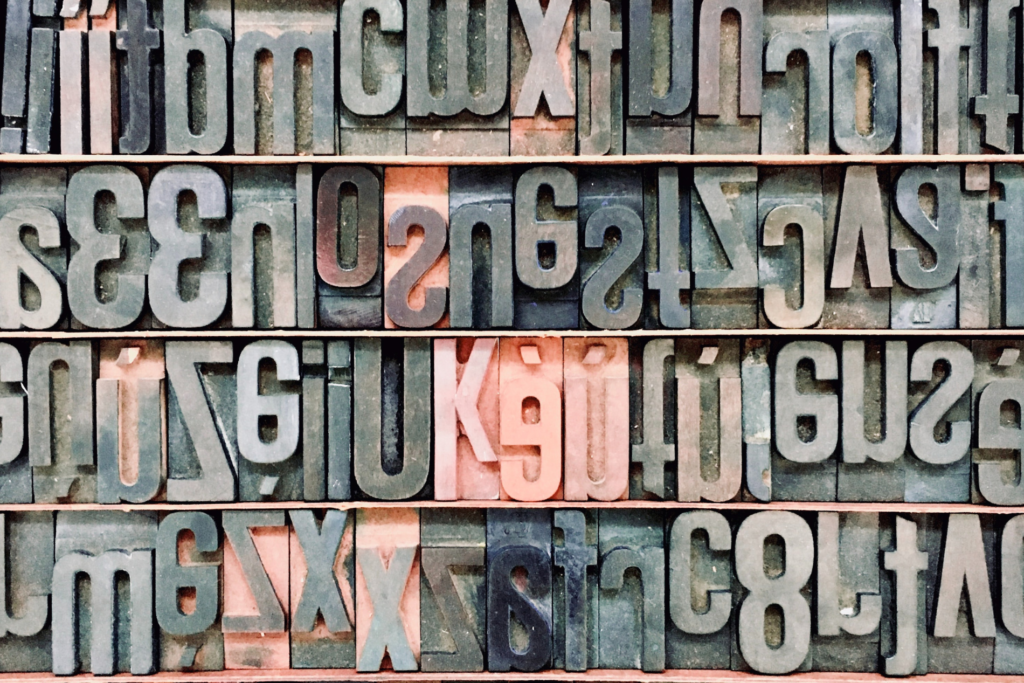
Have you ever sent something just to lose the fonts you’ve chosen? Here’s how to embed fonts with Microsoft Word.
Find and replace: How to edit lots of text all at once

Here’s how you can use Microsoft’s find and replace tool to speed up your process and reduce the risk of losing your marbles.
Turn off the Microsoft Word welcome screen

Save time in the work day, and get rid of the Microsoft Word welcome screen.
Create your own Quick Access shortcut in Microsoft Word

Access your favourite Microsoft Word features with one click, by adding your own buttons to the Quick Access toolbar.
Save time with AutoText and short-codes in Microsoft Word

Find time in your work day by using these completely underrated features of Microsoft Word: AutoText and Shortcodes.
What is Focus Mode in Microsoft Word

Keeping your focus on Word documents is an absolute breeze with Microsoft Word’s Focus Mode.