


Microsoft 365

Microsoft 365, actually set up properly.

Most businesses use a fraction of what their licence includes. We set up Microsoft 365 properly, secure it properly, and help your team use what you're already paying for.

Already in your licence

10+
Apps included that most businesses never open
1
Licence we recommend: Business Premium, and we'll show you why
£0
Wasted on tools you don't use, once it's set up right

Why setups go wrong

Bought properly. Set up in a hurry.

Most Microsoft 365 tenants were set up in an afternoon, years ago, and nobody's looked since. Email works, so it feels fine. Meanwhile files live in seven places, sharing is a guessing game and half the security features have never been switched on.

We tidy that up. Sensible structure, proper security defaults, and the apps your team will actually use, introduced at a pace they can absorb.

The usual suspects

Files everywhere. Settings nowhere. Sound familiar?

If your team still emails attachments to people who sit ten feet away, there's easy ground to gain.

What's included

The Microsoft 365 tools your business actually needs.

The core of every setup we run, configured properly on day one and looked after from then on.

Business email.

Reliable Microsoft Exchange email with calendars, contacts, shared mailboxes and access across your devices.

Microsoft Teams.

Chat, calls, meetings and collaboration in one place, helping your team stay connected wherever they’re working.

OneDrive.

Personal cloud storage that syncs across devices, and quietly backs up the desktop nobody meant to save files on.

SharePoint.

One organised home for company files, so the answer to "where's the latest version?" is always the same place.

Office apps.

Word, Excel, PowerPoint, Outlook and the familiar Microsoft applications your team already knows how to use.

Management & support.

Licences, leavers, joiners, security and the "can you just" requests, all handled by the same team that answers your support calls.

Work from anywhere

365

Your work. Wherever you need it.

Connected wherever you work

The office isn't a building anymore.

Microsoft 365 means your team's email, files and calls work the same at home, on site or on a train as they do at a desk.

Done properly, nobody thinks about it: the laptop opens, everything is where it was, and the morning's work carries on from last night's exactly.

Done badly, it's VPN gymnastics, files emailed to yourself and "can someone send me that spreadsheet". We do it properly.

Talk to our Microsoft 365 team

How we set you up

The right setup from the start.

Whether you're starting fresh or untangling a setup that's grown wild, the process is the same.

01

Understand how you work.

We look at your team, your current setup and where technology is making work harder than it needs to be.

02

Build the right setup.

We recommend the licences, apps, permissions and security settings that make sense, and we'll tell you straight if you're paying for the wrong tier.

03

Keep it working.

We handle users, licences, changes and support, so it stays tidy instead of drifting back to chaos.

Built for modern teams

Microsoft 365 that grows with your business.

The same platform, tuned differently depending on where you are and where you're heading.

Growing businesses.

Add users, licences and services easily as your team expands, without having to rebuild your technology every time.

Hybrid teams.

Meetings where the people at home can actually hear, files nobody has to be in the building to reach, and no second-class seats.

Established organisations.

Structure that holds at scale: departments, permissions and sites organised so fifty people don't create fifty filing systems.

More than Office apps

Microsoft 365 is more than Word and Excel.

Remember those apps you're paying for and never opened? A few earn their keep from day one.

Bookings.

A booking page for appointments and callbacks that syncs with your calendar, the thing businesses pay Calendly for, already included.

Planner.

Simple shared task boards for the jobs that currently live in someone's head, an email chain and three sticky notes.

Intune.

Set up a new starter's laptop before they arrive, and wipe a lost one remotely. Included with Business Premium, and most tenants have never switched it on.

From the Learning Hub

Useful advice. No jargon.

Practical Microsoft 365 advice to help your team work smarter, stay secure and get more from the tools you already use.

Visit the Learning Hub
a suited business professional stamps a signed document in approval

Why Cyber Essentials Certification Matters for Your Business in 2025

Safeguarding your business from cyber threats can seem like a never-ending task, and with criminals finding brute force ways to break in, it is more crucial...
whatsapp or telegram on a phone, beside a work laptop

Casual Whatsapp use could spell trouble for your business

Are you or your employees relying on WhatsApp for business conversations? A casual 'hey, how are you' might seem innocent but businesses of even a small...
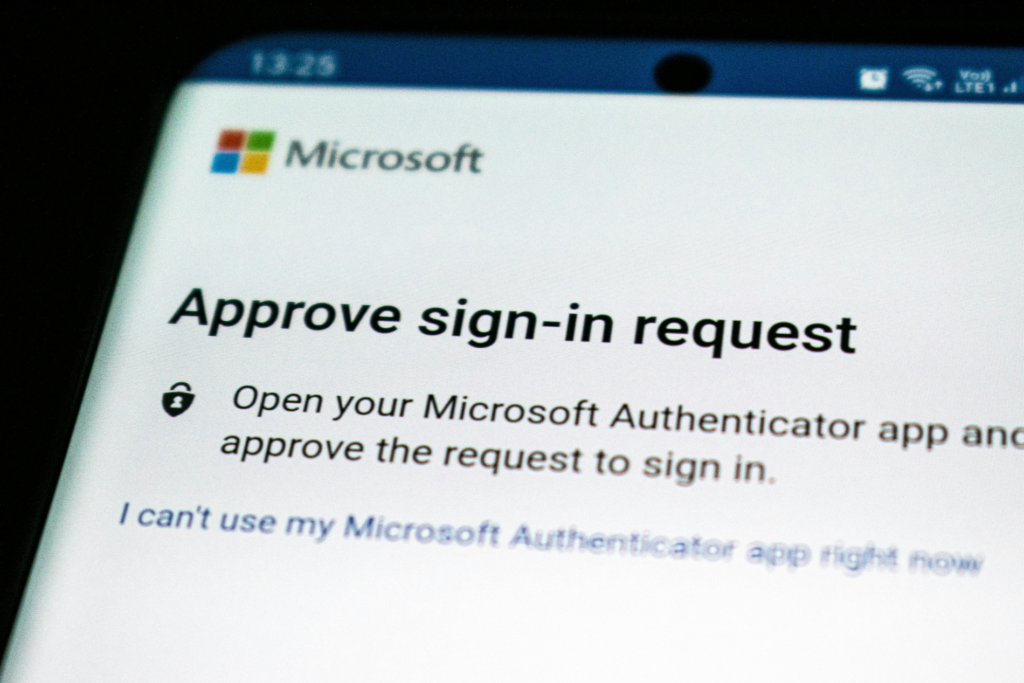
microsoft multifactor authentication app

Microsoft Azure to enforce mandatory multi-factor authentication

How will Microsoft Azure’s move to mandatory multi-factor authentication will enhance security, and protect sensitive data?...

What customers are saying

Trusted by businesses that rely on their technology.

View all reviews
5.0 11 Google reviews
Reviews shown are selected and ordered by Google for relevance. View on Google

You're already paying for it, just a conversation

Make Microsoft 365 work harder for your business.

Tell us how your team works today. We'll show you what's already in your licence that could be doing the heavy lifting.

Book a Call

15-minute call · No obligation · Speak to Jon, not a salesperson