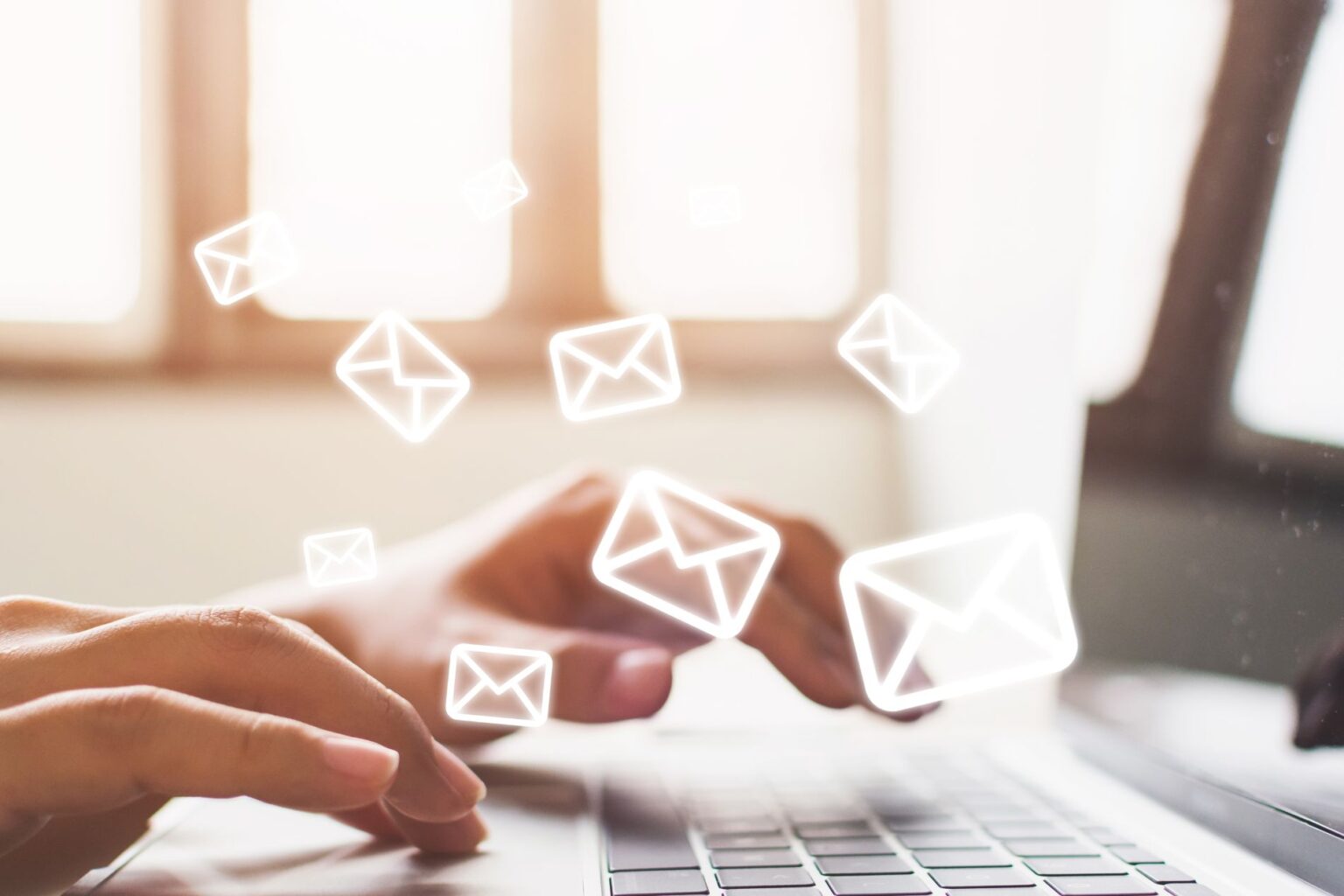
Misunderstanding business email jargon can slow down communication and expose you to security risks. Whether it’s a send error, an issue with SPF, or even email deliverability problems, navigating these terms effectively can improve your team’s communication reliability and security. In this guide, we’ll break down the terms that matter most in business email and give you clear steps for managing them with confidence.
Email Fundamentals – Send, Receive, and Deliverability
Business emails hinge on three key functions: send, receive, and deliverability.
- Send: The process your system follows to push an email out. Errors can occur if servers aren’t configured properly or network issues arise.
- Receive: The other side of the journey—making sure emails from clients and colleagues get through to your inbox without delays.
- Deliverability: How reliably your emails reach their destination inboxes, not spam folders.
Ensure your email servers are configured correctly. Small errors, like failed attachments or missent emails, can disrupt communication so it’s better to embed these checks into your business practices to minimise downtime. Regularly test send/receive functions to stay ahead of common problems.
The ABCs of SPF, DKIM, and DMARC
Unfamiliar with SPF, DKIM, and DMARC? These pivotal records can make or break your email deliverability, so it’s important to understand what they are and what they do. Here’s the rundown:
SPF (Sender Policy Framework): Confirms that an email from your domain is actually sent from you. Add a TXT record to your domain’s DNS settings to identify approved senders.
DKIM (Domain Keys Identified Mail): Adds a digital signature to your emails to ensure they aren’t altered in transit. Enable it through your email provider settings.
DMARC (Domain-Based Message Authentication, Reporting & Conformance): Aligns SPF and DKIM for extra protection and sends you alerts if something goes wrong. Configure it based on your preferred reporting and action settings.
Note: If you need help with setup, Crosstek offers assistance with email authentication protocols.
Mail Servers and Client Configuration
Understanding the difference between mail servers and mail clients can make a big difference in email management. Mail servers (we recommend Outlook 365 for business) store and process your email, often with dedicated settings for security and syncing. Mail clients, on the other hand, allow you to access emails on different devices, providing options for notifications, syncing, and storage. For best performance, you’ll want to use mail client in a desktop app that matches your mail server provider but there is flexibility in this.
To optimise email performance, use configurations that align with your team’s specific needs and roles. Regularly check that your team are using the correct settings across all devices to minimise connectivity issues, to reduce time lost to troubleshooting. Your IT support provider should have these checks set up to automatically notify the relevant stakeholders if anything should change.
Common Error Codes and What They Mean
It’s frustrating to see a cryptic code when email fails. Here are some common ones:
- 550: Blocked email. Often due to spammy content or sender reputation.
- 554: Email rejected due to spam or policy.
- 421: Temporary server issue. Likely fixed after a short wait.
Should you see these errors, it’s time to:
- Double-check the recipient’s email. It could be something as simple as a typo.
- Examine spam filters and, depending on settings, whitelists.
- If issues persist, consult IT support to update configurations.
Maintaining Healthy Email Habits to Boost Deliverability
Effective email habits help to keep your messages out of spam folders and ensure they land where intended.
Here’s a quick checklist of elements your business should consider when sending important communications:
- Keep contact lists up-to-date and only include those who’ve opted in. We call regularly checking the consent and validity of contacts ‘maintaining data hygiene’.
- Think about send frequency. Avoid bombarding recipients to prevent spam flags. Regular, meaningful emails tend to perform better anyway.
- Use straightforward subject lines. If your subject lines look like the spam you receive yourself, with all caps, loads of exclamation marks and words like FREE, CLICK HERE etc. it’s likely your emails will also look like spam to your recipients and their spam filters.
- Avoid excessive images or links. Spam filters have long been set up to see this as robot/spam behaviour.
- Regularly update contacts to improve engagement rates.
A strong grasp of email jargon empowers you to manage communication effectively and boosts security. By setting up proper authentication, maintaining good habits, and understanding error codes, your team can handle email with fewer interruptions and greater confidence.
If you’d like expert support with setup or troubleshooting, Crosstek can help you get there—email security and efficiency sorted.
You may also be interested in: 7 Ways to Spot a Phishing Email